


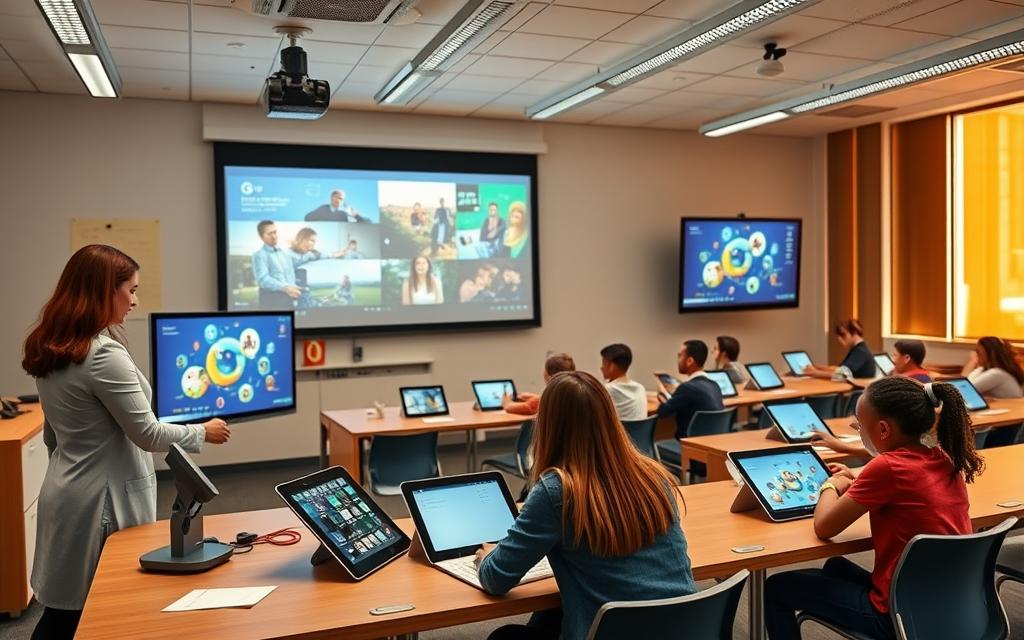
Modern classrooms are under a lot of pressure to change with digital technology. Many schools find it hard to use new tools well.
The Centre for Universal Education says it’s important to understand the local context first. Before using educational technology solutions, teachers need to check if the school’s setup can handle it.
Good practical ed-tech strategies help teachers, not replace them. Technology should make learning more personal and flexible.
For tech to work well, it must meet the school’s specific needs. This way, it can really help students get more involved and practice what they learn.
Studies show that knowing the problem first is key to solving it. This approach is the basis for overcoming tech obstacles in schools.
Identifying Common Educational Technology Obstacles
Before we start using new tech, schools need to know what’s holding them back. Understanding these challenges is key to finding real solutions, not just quick fixes.
Infrastructure and Connectivity Limitations
Many schools face big tech problems. Ed-tech infrastructure issues like bad internet are common. This is a big problem in rural areas where internet is hard to get.
Power outages are another big issue. Schools in different places often lose power, which stops learning and breaks tech. We need to fix these basic problems first.
Related Posts:
- Have Humans Become Too Dependent on Technology The…

- How to Make a Technology From Concept to Real-World…

- What Is Considered Disruptive Technology Innovations…

- What Are Next Generation Technologies AI Quantum and Biotech

- How Many Lives Has Medical Technology Saved The…

- Are Science and Technology the Same Thing Key…

Digital Literacy Gaps Among Staff and Learners
Digital skills gaps are a big problem too. Teachers often don’t know how to use new tech well. This makes it hard for them to teach with digital tools.
Students also have different tech skills. Some have used tech a lot, while others haven’t. This makes some students do better than others. Research shows we need to check how good students are at tech before we teach them.
Budgetary Constraints and Resource Management
Money is a big problem for schools wanting to use tech. Budget limitations in education mean they can’t buy the tech they need. This includes computers, software, and keeping tech up to date.
In poor countries, schools have to choose between tech and other important things. The cost of buying tech is just the start. Keeping it running and training staff costs more money than many schools have.
So, schools need to plan carefully with the money they have. They also need to look for more money to help them use tech better.
How to Overcome Technology Challenges in Education
Dealing with tech issues in schools needs a solid plan, not just quick fixes. Schools should think ahead and check what they can do now and what they need for the future.

Conducting a Comprehensive Technology Audit
A detailed tech check is key to a good digital plan. It looks at what tech the school has, what software they use, and how well staff and students know how to use it.
Leaders should start by gathering data. This includes:
- Surveys to see how well staff and students use tech
- Checks on the school’s network and devices
- Looking at how well current tools and platforms work
This helps find out what’s missing between what the school has and what it needs. It’s important to look at how reliable the internet is, if devices are good enough, and if everyone knows how to use tech well.
Developing Strategic Implementation Roadmaps
After the audit, schools need to make detailed plans for using tech. These plans should focus on how tech can help meet educational goals, not just as a tool on its own.
Good planning means:
- Choosing what to do first based on what will work best
- Setting clear goals and deadlines
- Using resources wisely
- Training staff to use new tech well
The best plans think about keeping things running smoothly for a long time. This includes making sure tech gets updated and staff keep learning.
By carefully checking what they have and planning well, schools can turn tech problems into chances for better learning.
Infrastructure Solutions for Reliable Connectivity
Schools need strong technology to support digital learning. A stable infrastructure ensures easy access to digital tools and platforms. This setup changes how schools teach in today’s digital world.
Implementing Robust Wi-Fi Systems with Cisco Meraki
Strong wireless systems are key for classroom tech. Cisco Meraki offers cloud-managed Wi-Fi solutions for schools with easy control and monitoring. These systems adjust performance based on how many devices are connected and how they’re used.
Meraki’s dashboard shows real-time network health and user experience. This lets admins fix issues before they affect learning. The system grows with more devices across different campus locations.
Adopting Cloud Platforms: Google Workspace for Education
Cloud environments solve many old infrastructure problems. Google Workspace for Education is a top cloud platform in education. It offers tools for working together from any internet-connected device.
Teachers can share and manage digital resources easily. The platform supports teamwork between students and teachers anywhere. It also updates automatically, so schools always have the latest features without extra work.
Google’s education suite has strong security for student data. It lets admins set up access based on roles and needs. This makes cloud platforms great for today’s schools.
Device Management with Jamf Pro Solutions
Managing more devices is a big challenge for schools. Jamf Pro offers device management systems for schools with Apple devices. It lets admins control iPads, MacBooks, and other Apple devices from one place.
Admins can update software and apps on all devices at once. Jamf has classroom tools for teachers to manage device use during lessons. It also helps with inventory and security reports.
Setting up devices is easier with Jamf’s automated enrolment. Custom settings ensure devices meet educational needs right away. This reduces work for admins and makes devices more reliable.
Digital Literacy Development Programmes
Building digital literacy programmes focuses on people, not just technology. These efforts turn tech tools into powerful learning aids. They help both teachers and students feel confident using technology to improve learning.
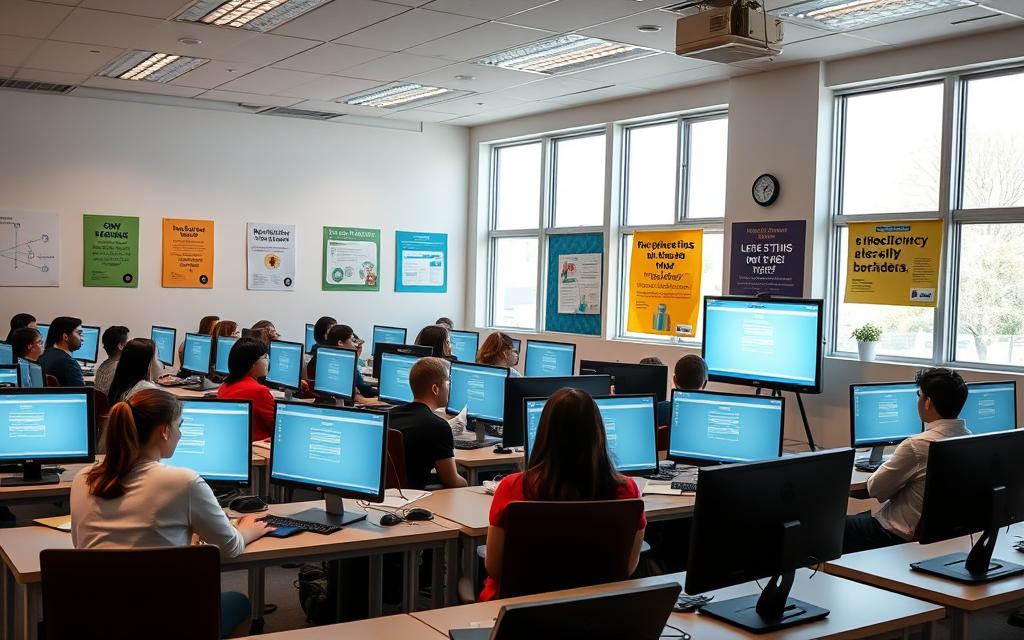
Digital skills are key for being ready for work and fully participating in today’s world. Schools that focus on building these skills see more tech use and better learning results.
Educator Professional Development Initiatives
Empowering teachers is the first step to successful tech use in schools. Teachers need ongoing learning, not just one-time workshops. Schools should offer:
- Hands-on tech sessions
- Peer coaching and mentoring
- Support for using tech in the classroom
- Ways to track progress and get feedback
These efforts help teachers go from being unsure about tech to using it confidently. The best programmes mix learning tech skills with teaching strategies.
Student Digital Skills Curriculum Integration
Teaching students digital skills needs a thoughtful plan, not just occasional tech use. Schools should make digital skills a part of all subjects by:
- Building skills step by step
- Using digital tools in projects
- Teaching online safety and digital citizenship
- Assessing students’ digital skills
This method helps students learn digital skills that are useful in real life. It focuses on critical thinking and using tech responsibly, not just technical skills.
Utilising Microsoft Educator Centre Resources
The Microsoft Educator Centre offers lots of help for teaching digital skills. It has:
- Training courses and certifications
- Ready-to-use lesson plans
- Places for teachers to share ideas
- Ways to track progress and achievements
These resources make it easier for schools to train teachers without starting from scratch. The centre’s learning paths help teachers develop skills in a clear and focused way.
Schools can use these tools to create learning plans for their staff. The centre’s tools also help administrators see who’s participating and how well the training is working.
Good digital literacy programmes lay the groundwork for lasting tech use in schools. They turn tech challenges into chances for growth and new ideas in the educational world.
Cost-Effective Technology Implementation
Schools have to find ways to use technology without spending too much money. By choosing cost-effective ed-tech, they can make the most of their budget. This way, technology can help students learn without breaking the bank.
Strategic Budget Allocation Priorities
First, schools need to plan their money wisely. They should pick technology that helps with many learning goals and lasts a long time.
Here are some key areas to focus on:
- Core network infrastructure and connectivity solutions
- Professional development for staff technology integration
- Student devices with multi-year replacement cycles
- Cloud-based platforms that reduce hardware costs
It’s important to check how well technology is working and adjust spending as needed. This way, schools can meet today’s needs and plan for tomorrow.
Open-Source Educational Tools and Resources
Open-source educational resources are a great choice for schools on a tight budget. They offer good quality without the high cost of proprietary software.
Some popular open-source tools are:
- Moodle for learning management systems
- LibreOffice for office productivity suites
- GIMP for image editing and graphic design
- Python and R for programming and data science education
Many schools work together to create and share open educational resources. These include textbooks, lesson plans, and multimedia content that teachers can use and change as needed.
Grant Funding and Partnership Opportunities
Getting money from outside can help schools use more technology. Grant funding for schools comes from government, companies, and charities.
To get grants, schools need to show:
- Clear goals and how they will measure success
- How their plans match what funders want
- A solid plan for using the money over time
- Good ways to check how well things are working
Working with tech companies and local businesses can also help. They can give schools equipment, advice, and money. These partnerships can be very helpful and last a long time.
Schools should have people or teams to find and apply for grants. This way, they can always find new ways to improve their technology.
Conclusion
Fixing tech issues in schools needs a big plan. This includes checking systems, building strong tech setups, teaching digital skills, and finding ways to save money. This approach helps schools build lasting tech systems.
The world of educational technology is always changing. Schools must stay flexible and use new tools wisely. They should always keep learning goals in mind, not just the tech itself.
This summary shows that keeping tech working well is an ongoing task. Schools need to check their tech, train staff, and manage resources regularly. This ensures they stay on track with their goals. The path to using technology well is a constant journey, not a one-time fix.
FAQ
What are the most common technology challenges in education?
Schools often face issues like unreliable Wi-Fi and power problems. There’s also a gap in digital skills among teachers and students. Money issues limit the use of technology in classrooms.
How can schools conduct a technology audit?
Schools should check their tech setup by looking at hardware, software, and internet. They need to see what’s working and what’s not. This helps them plan better for the future.
What infrastructure solutions ensure reliable connectivity in educational settings?
Using top-notch Wi-Fi systems like Cisco Meraki helps keep the internet stable. Cloud platforms like Google Workspace for Education make learning easier, no matter where you are or what device you use.
How can digital literacy gaps among staff and students be addressed?
Teachers can get better at using tech through ongoing training. Schools should teach digital skills in classes. Resources like the Microsoft Educator Centre can help with this.
What strategies help manage technology implementation on a limited budget?
Schools can focus on the most important tech needs first. Using free tools and resources can save money. Looking for grants or partnerships can also help fund tech projects.
Why is it important to develop a strategic roadmap for technology integration?
A plan helps focus on the most important tech uses. It makes sure tech fits the school’s needs. This way, tech investments have a lasting impact on learning.
How can device management tools like Jamf Pro benefit educational institutions?
Tools like Jamf Pro make managing school tech easier. They help with setting up, keeping safe, and fixing devices. This saves time and makes learning better.
What role do partnerships play in overcoming technology challenges?
Working with tech companies, educational groups, and grant providers can help. They offer extra resources, advice, and money. This makes it possible to use tech that might be too expensive or hard to manage alone.
